

Products
PFT TerminalJournal, live desk and AI mentor in one windowPFT Market SuiteBuilt on 8 years of market experiencePFT ForgeGamma levels and key strikes for ES and NQPFT CraftBuild custom indicators for your specific needsPFT Prop ScoutComing soonOur own prop firmComing soonAI and MCP accessYour journal, readable by an assistantLearn
Trading course8 years of mistakes and errors, aggregated for youResourcesArticles and trader linksDiscord community650+ futures tradersCompany
CareersApply to work with usPartner dealsDiscounts we passed onSupportGet an answer from a human
A NinjaTrader trading journal with automatic import
Add one file to NinjaTrader 8 and every closed trade lands in PFT-EdgeBook with entry, exit, stops, screenshots and running P&L.
Free for Windows. macOS: coming soon.
One file, one folder, one key press
Download
PftEdgeBookBridge-NinjaTrader.csafter signing in.Put it into
Documents\NinjaTrader 8\bin\Custom\Indicators\and keep the file name exactly as it is.Open the NinjaScript editor and press F5. When it reports no errors, add PFT EdgeBook Bridge to any chart. One chart per symbol and account is enough.
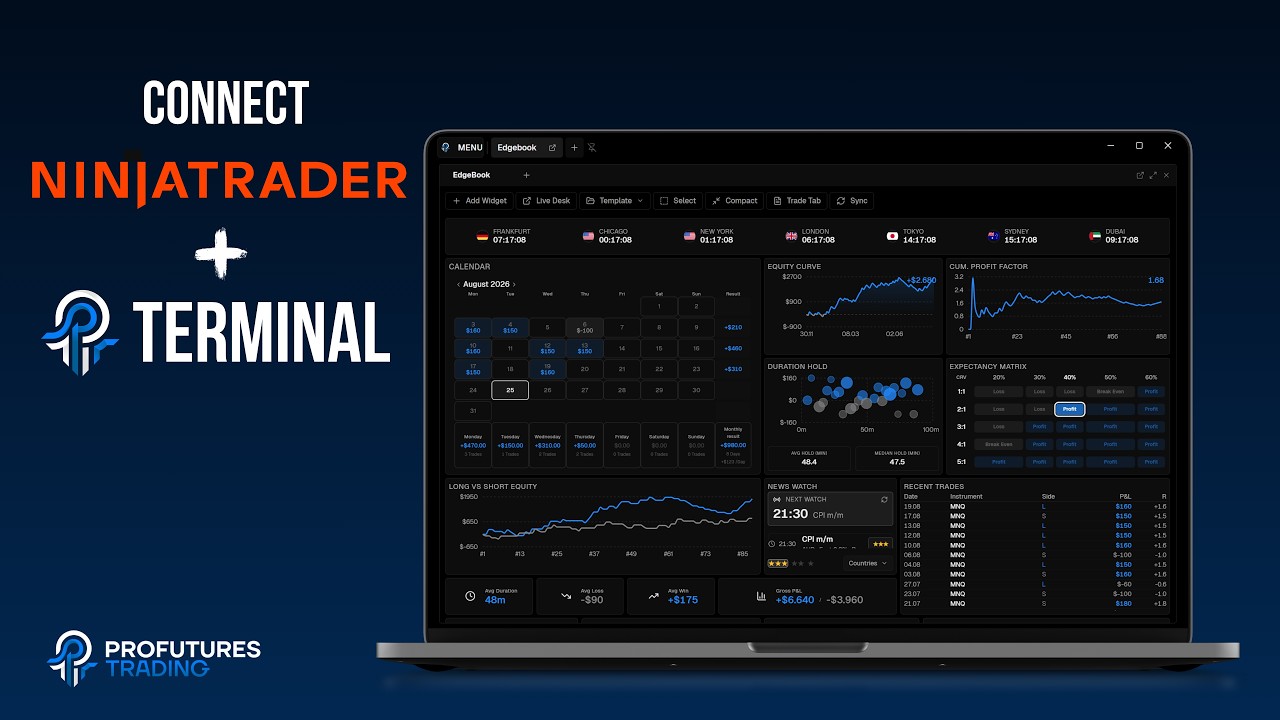 Watch: connect NinjaTraderEvery step on screen, chaptered.
What lands in your journal
Each closed trade arrives with entry, exit, stops, screenshots and running P&L. Trades recorded this way also carry MAE and MFE, including what happened after the exit. Write notes while the position is open.
Import your NinjaTrader history
The terminal reads your past trades directly from the NinjaTrader database. No export needed, and you can set the path yourself if NinjaTrader is installed elsewhere. History imports have no chart, screenshots or MAE/MFE.
Local data, optional sync
Your journal lives in a database on your machine. Cloud sync is optional and off by default.
Common problems
My NinjaTrader screenshots are black
NinjaTrader draws its charts on the GPU, so they stay black in a window capture. In PFT-EdgeBook open Settings > Screenshots, set the auto-screenshot target to Monitor(s) and choose your monitor(s). Window mode fits Sierra Chart and ATAS.
The indicator is missing or does not load
Check that PftEdgeBookBridge-NinjaTrader.cs sits in the Indicators folder with its name unchanged. Then press F5 in the NinjaScript editor and add PFT EdgeBook Bridge to a chart once it reports no errors.
Trades from one symbol or account are missing
One chart per symbol and account is enough, so check that each of them has the bridge on a chart.
Your questions answered
Still stuck? Write to support@profuturestrading.de and a real person replies.
NinjaTrader 8.
No. NinjaTrader compiles the file in its own NinjaScript editor.
No. The bridge imports live and the history import reads the NinjaTrader database. A generic CSV import exists for other brokers.
The terminal is free. Optional add-ons are bought separately inside the terminal.
Not yet. macOS: coming soon.
Related
Connect NinjaTrader to your journal
No trial, no credit card, no feature paywall.
Free for Windows. macOS: coming soon.
I spent hours, whole weekends, on backtesting and working through my journal, to find my edge, to keep it, and to sharpen it. That is how I became the trader I am today.