

Products
PFT TerminalJournal, live desk and AI mentor in one windowPFT Market SuiteBuilt on 8 years of market experiencePFT ForgeGamma levels and key strikes for ES and NQPFT CraftBuild custom indicators for your specific needsPFT Prop ScoutComing soonOur own prop firmComing soonAI and MCP accessYour journal, readable by an assistantLearn
Trading course8 years of mistakes and errors, aggregated for youResourcesArticles and trader linksDiscord community650+ futures tradersCompany
CareersApply to work with usPartner dealsDiscounts we passed onSupportGet an answer from a human
A Sierra Chart trading journal that imports as you trade
Build the EdgeBook Bridge study once with Sierra's own compiler. From then on, every closed trade lands in PFT-EdgeBook with entry, exit, stops, screenshots and running P&L.
Free for Windows. macOS: coming soon.
Why you build the study yourself
Sierra ties a compiled study to the study interface version it was built against. Our build carries version 2927, and an older Sierra installation refuses to load it. Compiled on your own machine, it matches whatever version you run and keeps working after future Sierra updates. It takes about two minutes, with no Visual Studio and no extra software.
Build and add it
Download the source file and the guide after signing in. Put
PftEdgeBookBridge.cppintoC:\SierraChart\ACS_Source\, or the same folder inside your own Sierra Chart installation.In Sierra open Analysis > Build Custom Studies DLL, pick the file and start the build.
Open Chart > Studies > Add Custom Study and choose PFT EdgeBook Bridge (Sierra). Put it on your execution chart.
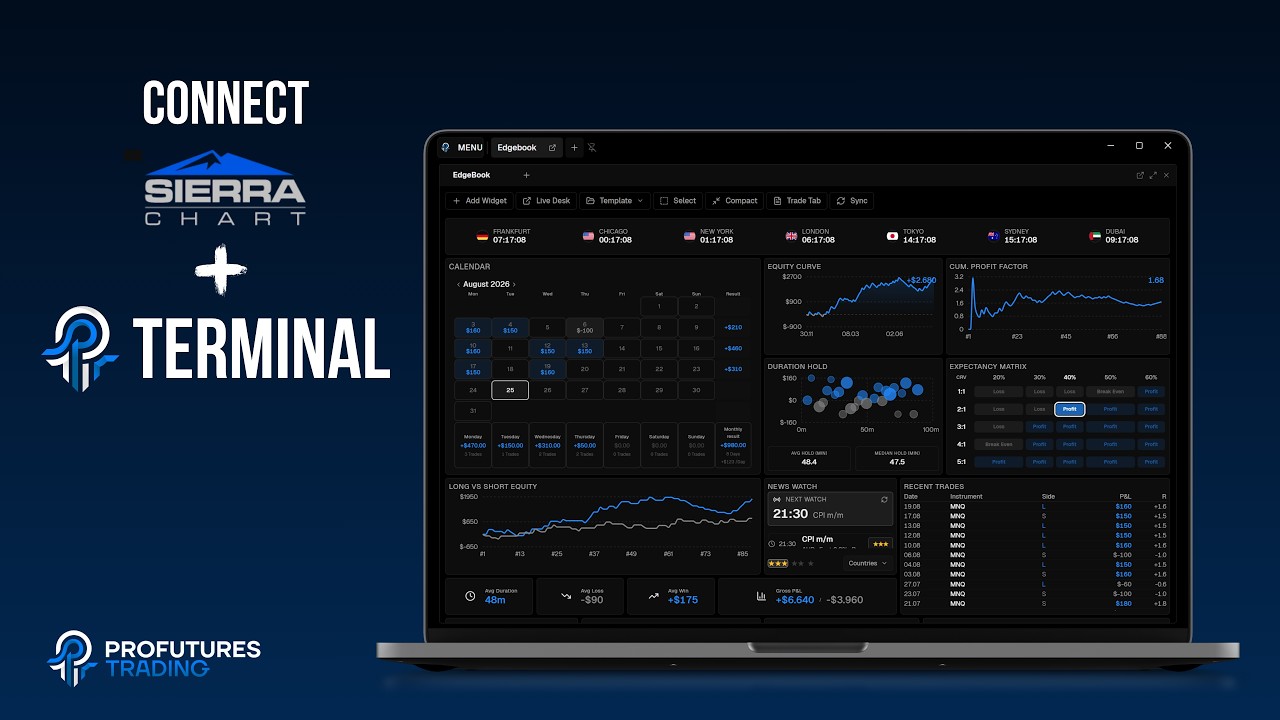 Watch: connect Sierra ChartIncludes the one thing that decides it: the study has to sit on your execution chart.
What lands in your journal
Entry, exit, stops, screenshots and running P&L per trade. Trades recorded live also carry MAE and MFE, including what happened after the exit.
Import your Sierra Chart history
Sierra's own trade activity log can be exported as text. The terminal finds the folder for you and reads the fills. History imports have no chart, screenshots or MAE/MFE.
Your questions answered
Still stuck? Write to support@profuturestrading.de and a real person replies.
Yes, once. Sierra's own compiler does it in about two minutes.
Compiled studies only load on the Sierra interface version they were built for. Building locally avoids that.
Yes, from Sierra's text export of the trade activity log.
The terminal is free. Optional add-ons are bought separately inside the terminal.
Not yet. macOS: coming soon.
Related
Connect Sierra Chart to your journal
No trial, no credit card, no feature paywall.
Free for Windows. macOS: coming soon.
I spent hours, whole weekends, on backtesting and working through my journal, to find my edge, to keep it, and to sharpen it. That is how I became the trader I am today.