

How to Use ATAS: A Beginner's Guide to the Platform
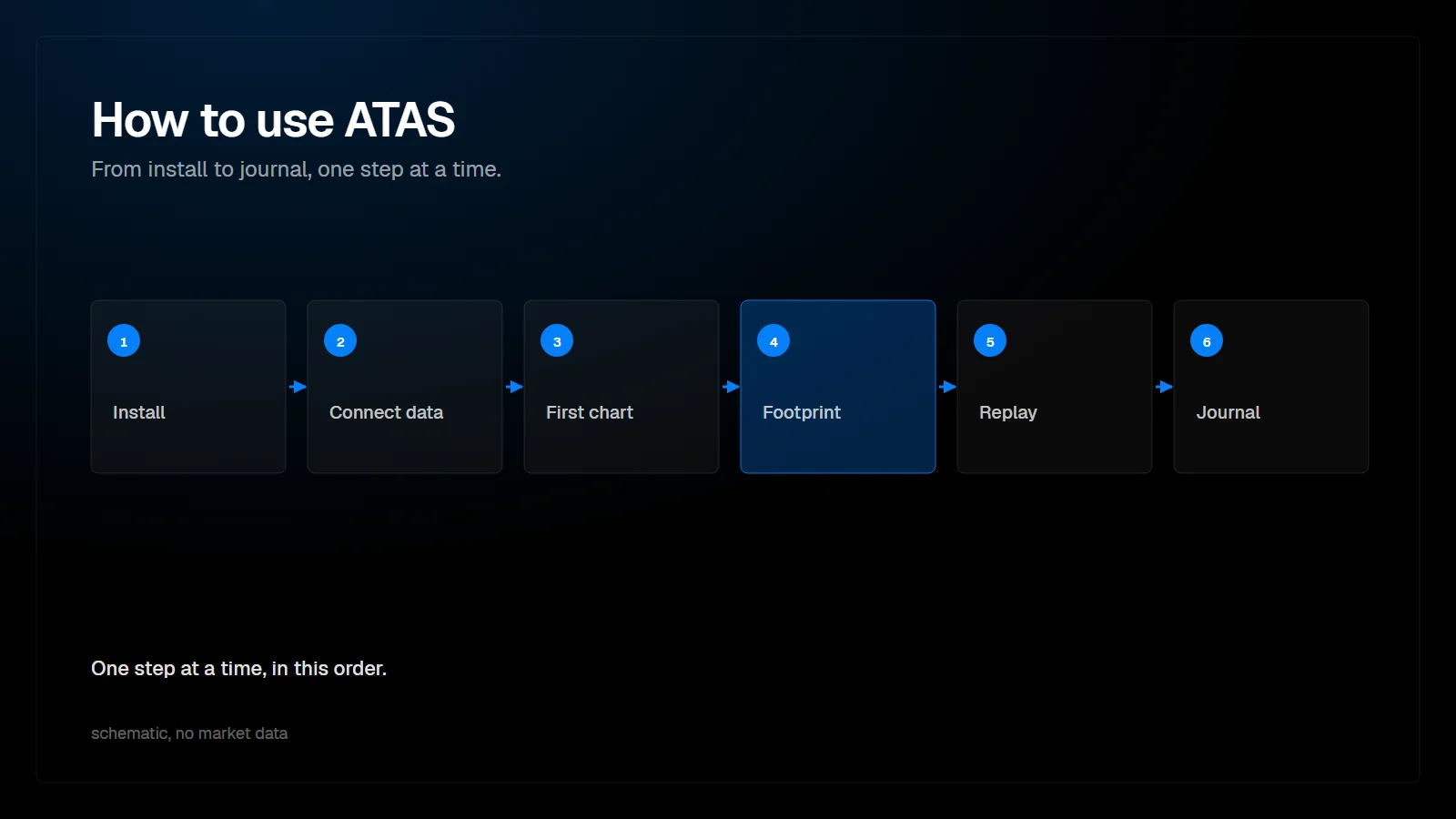
ATAS is an order flow trading platform in two versions, ATAS Classic and ATAS X. A beginner can learn it in a fixed order: install it, connect a data feed, build a first chart, add the footprint, practice in Replay, and keep a journal. This guide follows that path and links to a detailed article for every step.
- Install ATAS or ATAS X and check that your plan matches the market you trade.
- Connect one data feed.
- Build your first chart and save it as a template.
- Add the footprint and read it with delta and a volume profile.
- Practice in Replay before you risk money.
- Journal every trade.
- Save the result as a workspace.
How do you install ATAS?
Download the installer for your system and log in.
ATAS lists Windows 10 or later and macOS Tahoe or later as the requirements for ATAS X. On Windows you run the .exe installer; on macOS you open ATASX.dmg and move the app to Applications (atas.net/atas-x, read 4 November 2026). Our setup guide notes that the download sits in the dashboard at my.atas.net. Check your plan before you buy: as of September 2026, real-time futures data requires Pro or Ultra, and plans change from time to time.
How do you connect market data?
Add one connection for your broker or prop firm and keep only that one active.
ATAS X ships with a SIM connection enabled. For a live or prop firm feed, remove it first so a single quote provider feeds the platform, then add the connection with your credentials and enable autoconnect. If the order book stays empty in the heatmap, the feed has no level 2 depth, and only the provider can change that.
How do you build your first chart?
Add a chart widget, set the look once and save it as a template.
ATAS X is built from widgets such as the chart, the heatmap and order tables, placed on a grid of docking panels. Right-click the chart for its settings, choose your time frames, and save the result as a template. Set it as default and new charts start from it. The templates article explains how templates and workspaces differ.
How do you add the footprint?
Switch the chart to footprint mode and show the volume profile inside it.
A footprint chart splits each candle into its price levels and shows how much volume traded at the bid and at the ask at each one. Add cumulative volume delta below the chart and a volume profile on a higher time frame, and you have the core order flow view. Keep the settings few and deliberate; the defaults are fine until you know what you need.
How do you practice with Replay?
Clone a chart, replace the widget with Replay and trade recorded data as if it were live.
Replay Mode loads candles, ticks, or ticks with level 2 depth for a chosen period. Write your rules before the first session, keep a large sample, and slow the speed to 1x near the setup.
How do you journal your trades?
Record every trade, including the ones you would rather forget.
A journal turns trades into data: entry and exit, how far the trade ran against and for you, and what price did afterwards. PFT-EdgeBook can record trades from ATAS automatically, including Replay trades when backtest mode is switched on in the bridge indicator.
Where can you go from here?
Watch the full walkthrough, then deepen one topic at a time.
FAQ
Is ATAS good for beginners?
It has many windows and settings, so start with one chart, one footprint setup and Replay. Add windows only when they answer a question the existing ones cannot.
Should I start with ATAS Classic or ATAS X?
Our guides use ATAS X. ATAS says that ATAS X is not a full replica of Classic, so check that the functions you need are available.
Can I practice without risking money?
Yes, in Replay. ATAS routes Replay trades through a dedicated Replay account.
This article is educational content, not financial advice.