

ATAS Setup
Platform-side articles: how ATAS Classic and ATAS X are configured, how the PFT indicators are installed and licensed, and where the platform behaves differently than expected.
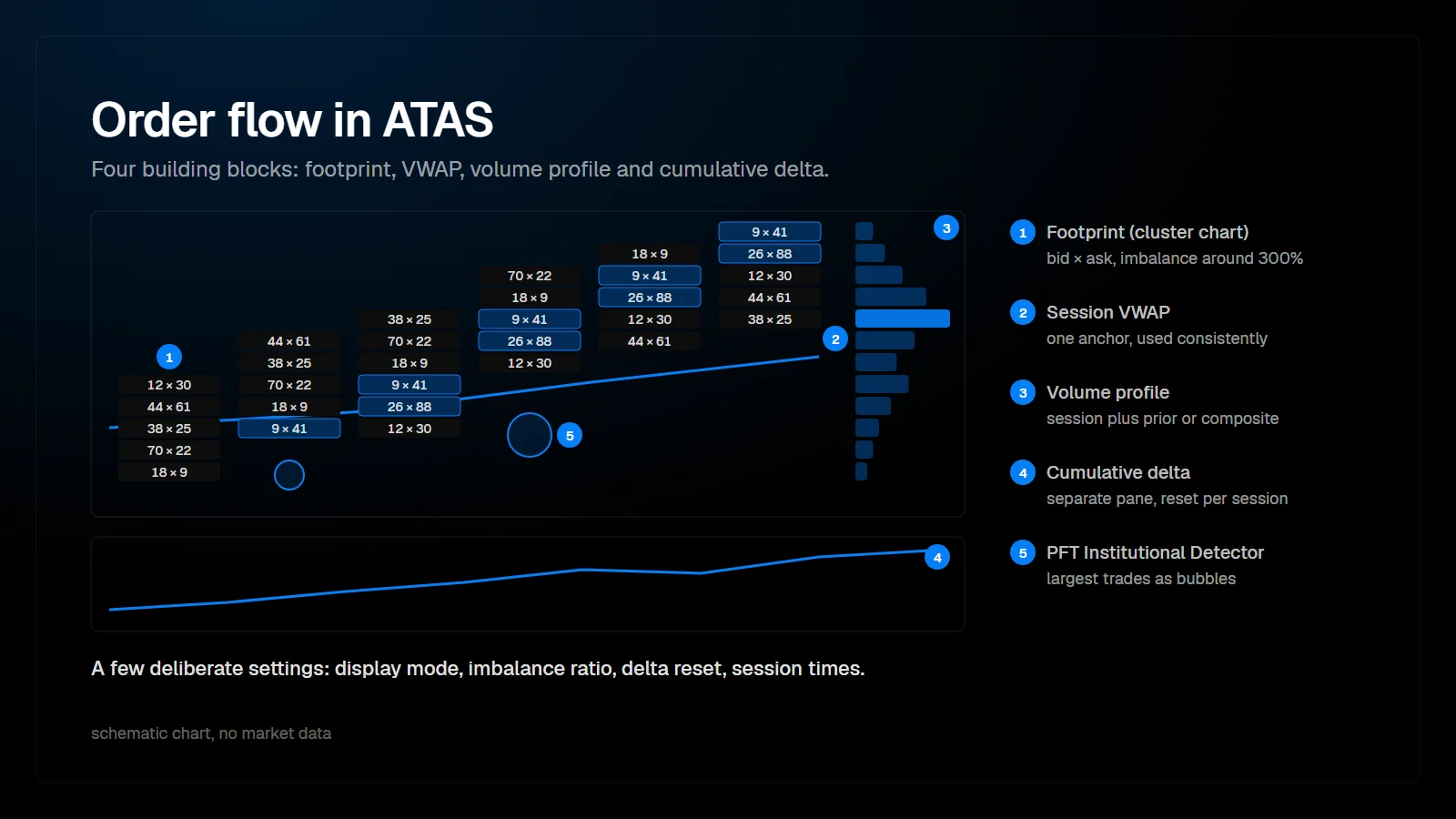 by Phil Wasmuth5 min readHow to Set Up Order Flow Tools in ATASHow to set up order flow tools in ATAS: footprint (cluster) chart, imbalance settings, cumulative delta, volume profile and VWAP, and where PFT indicators fit.
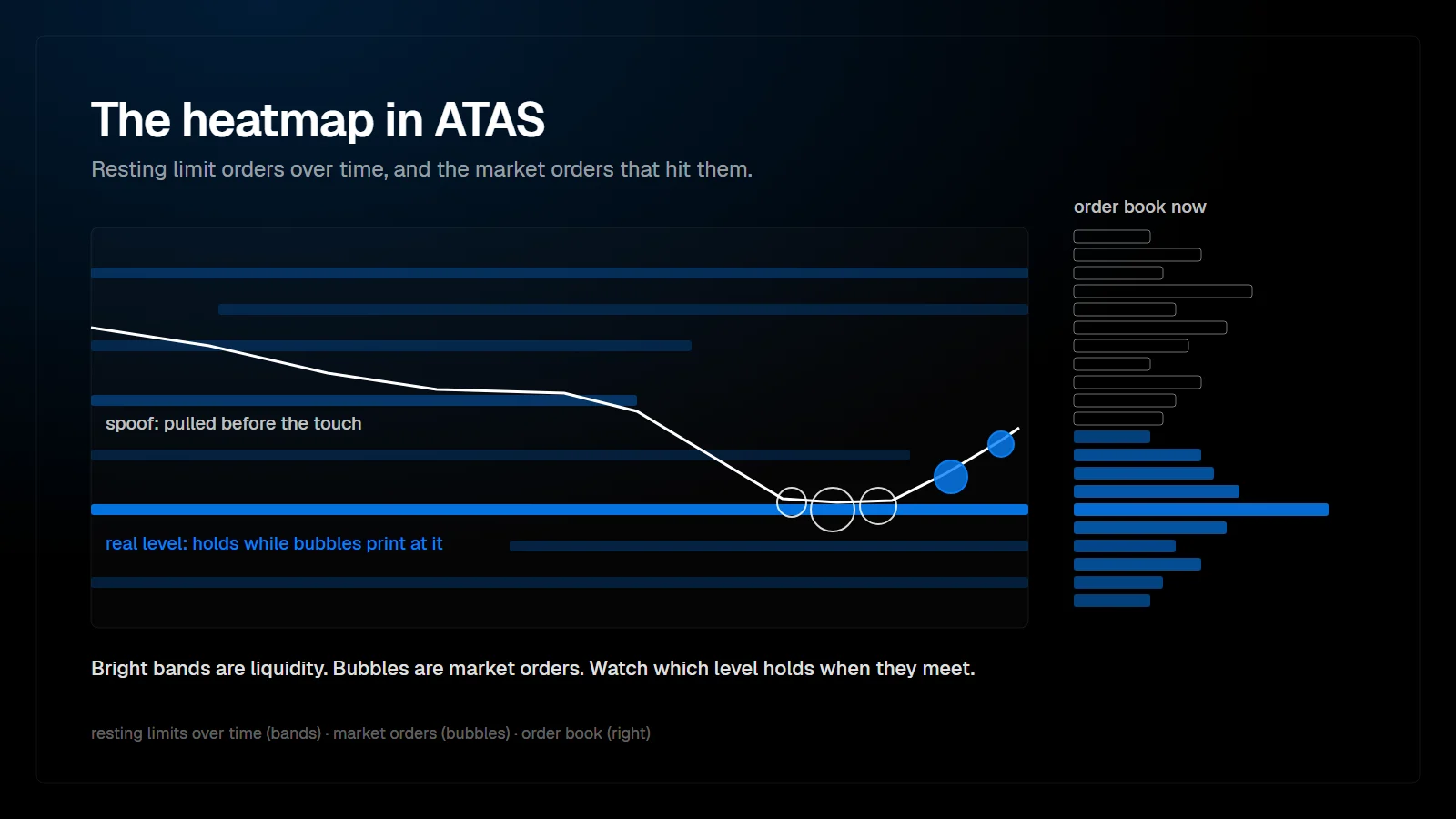 by Phil Wasmuth10 min readWhat Is the Heatmap in ATAS? Liquidity, Aggression and SetupThe ATAS Heatmap explained: resting limit orders over time, trade bubbles, key settings, spoofing, and how to read aggressive vs. passive traders to qualify breakouts.
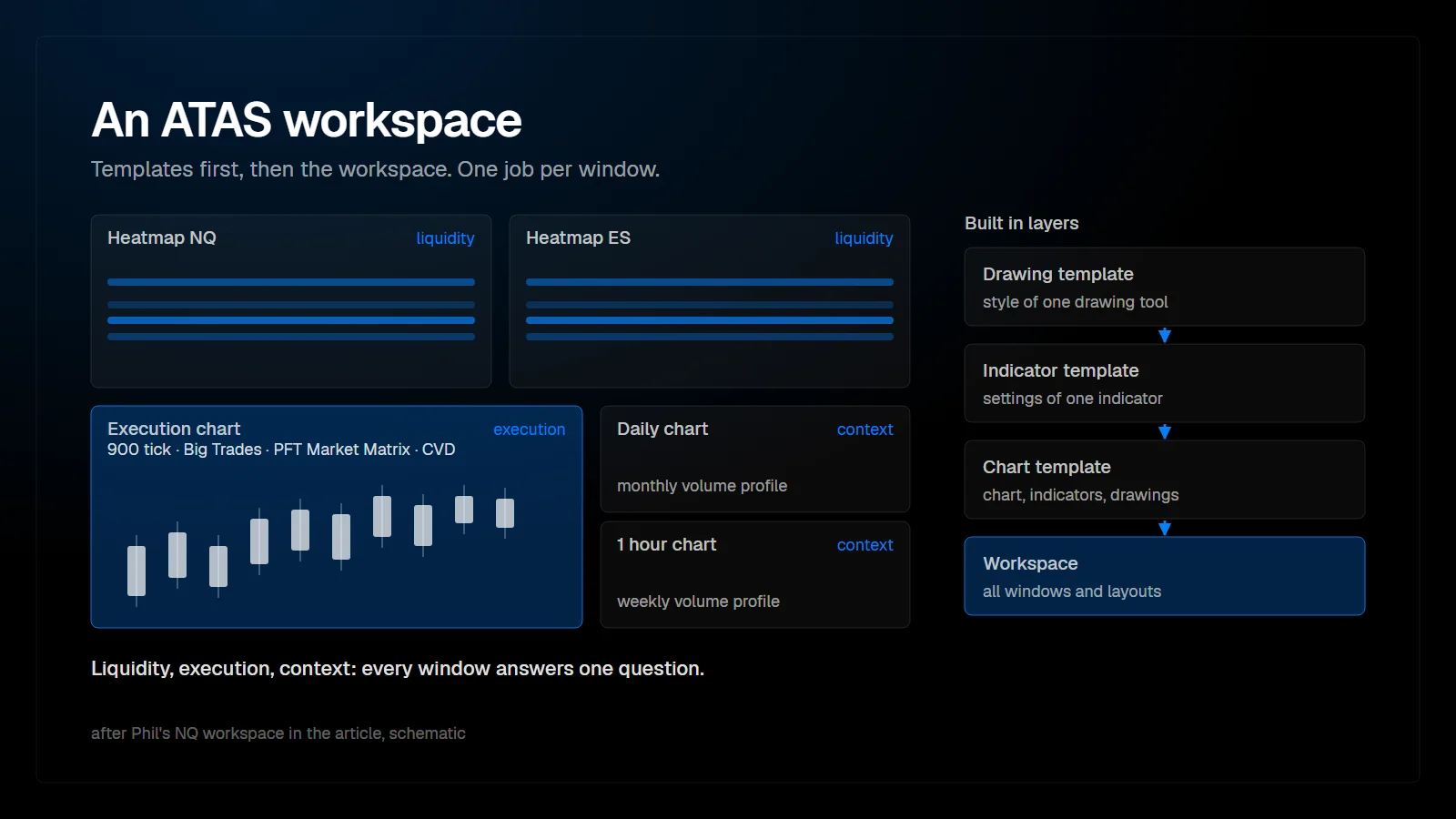 by Phil Wasmuth6 min readHow to Set Up a Workspace in ATASHow to set up an ATAS workspace: drawing, indicator and chart templates, saving and sharing workspaces in ATAS X, and the NQ workspace Phil uses after seven years.
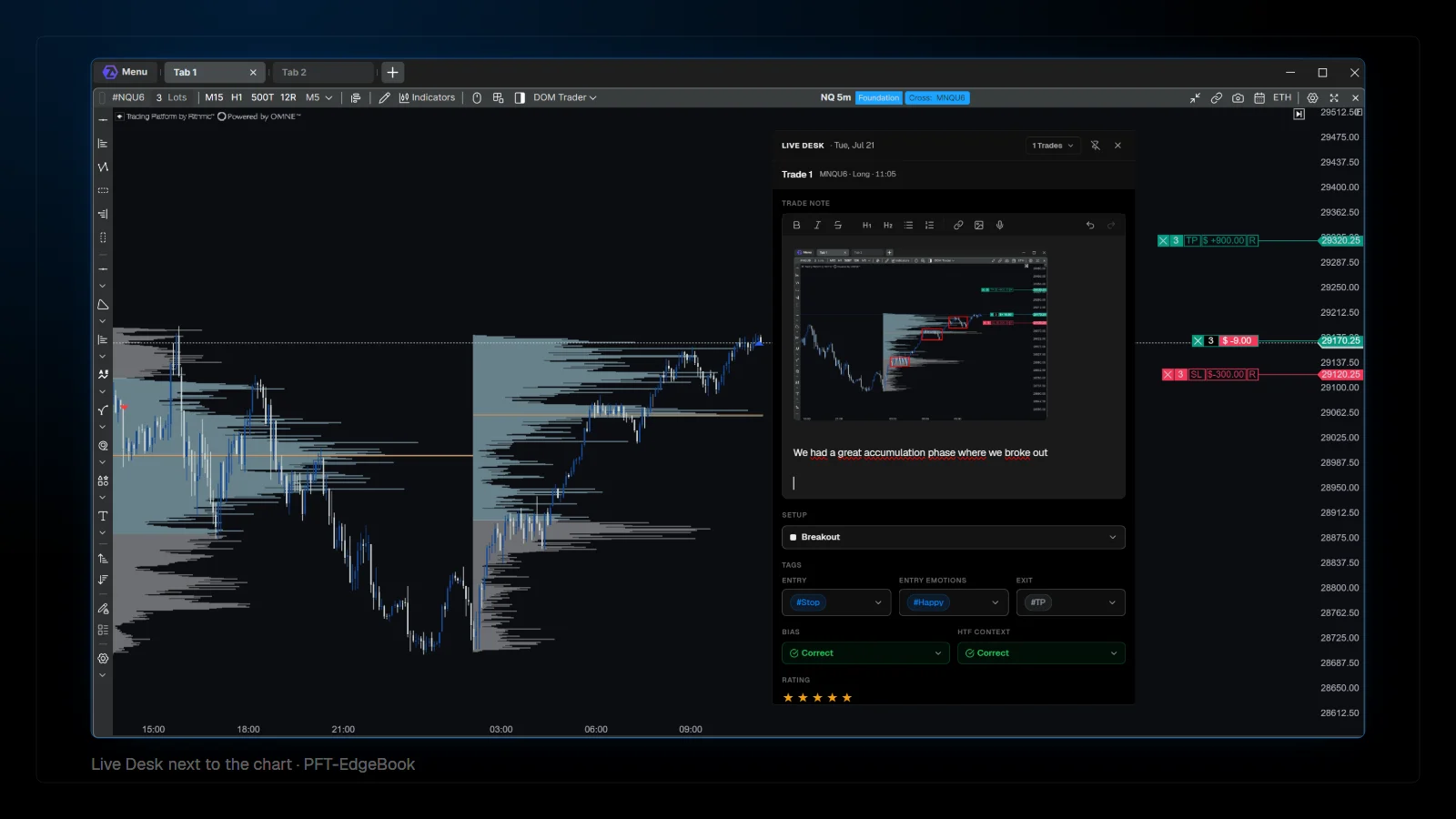 by Phil Wasmuth6 min readWhy Journaling Matters, and How PFT-EdgeBook Is DifferentWhy a trading journal matters, why to journal while the trade is open, and how PFT-EdgeBook records trades live from ATAS with MAE/MFE, post-exit data and screenshots.
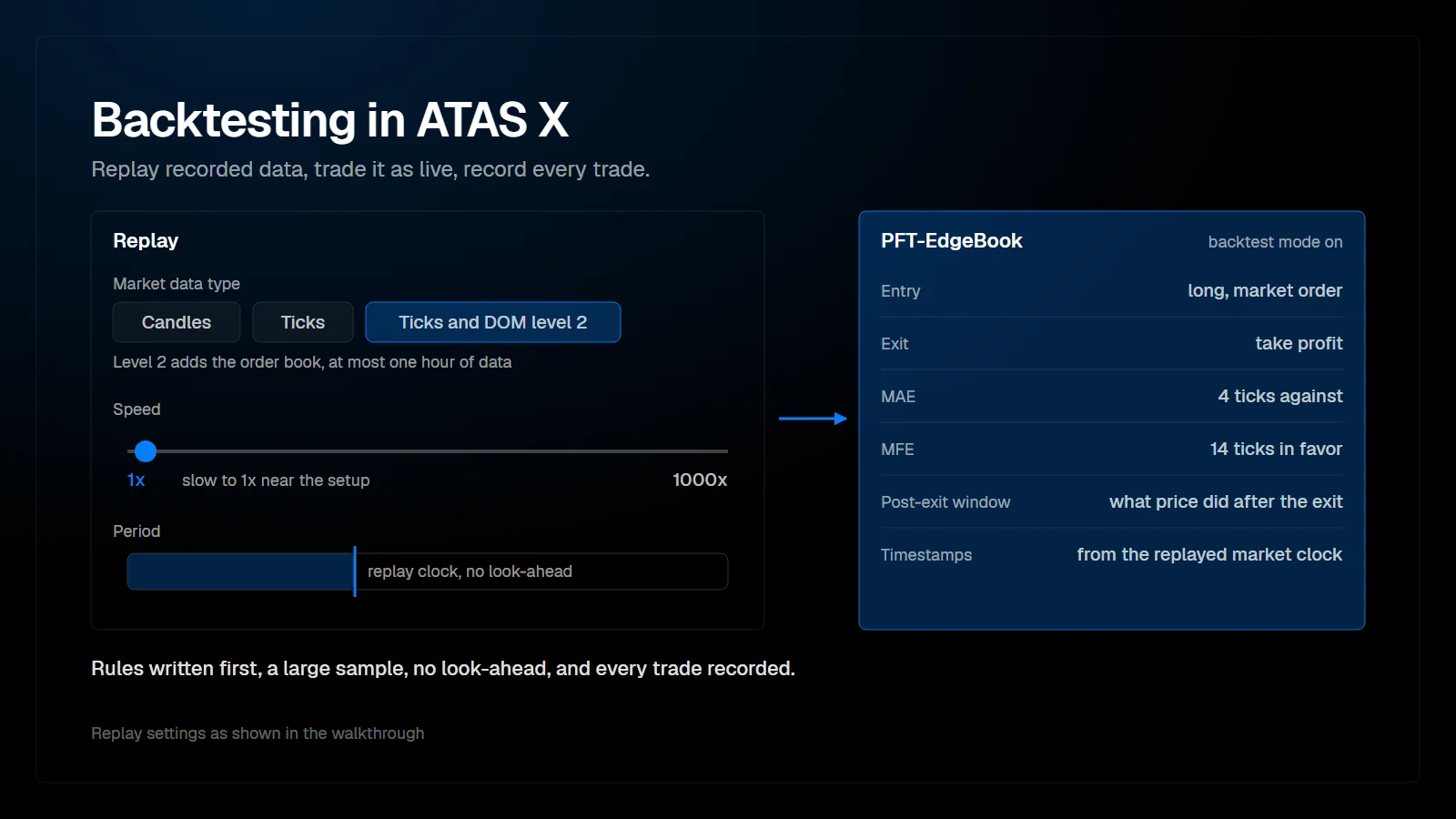 by Phil Wasmuth5 min readHow to Backtest Properly in ATAS XHow to backtest in ATAS X: the Replay widget, data types, level 2 limits and speed, the rules of honest backtesting, and recording replay trades with PFT-EdgeBook.